Tom Bristol wrote:
Backup Instructions
How to Back Up Outlook Data File
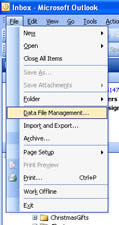
- Go to File > Data File Management
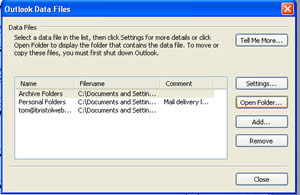
- Select the data file you want to backup and click the Open Folder… button.
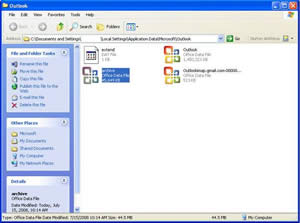
- Copy the highlighted file to your backup location.

when you find QWERTY imprinted on your cheek - it's time to go to bed.
Tom Bristol wrote:
Backup Instructions
How to Back Up Outlook Data File
- Go to File > Data File Management
- Select the data file you want to backup and click the Open Folder… button.
- Copy the highlighted file to your backup location.